
Join the closed beta

Rules of Survival is back

A free, fan-made revival for PC, running on a community server in Malaysia. Now in closed betaopen test.

Closed betaOpen test

ROS Infinity runs on one community server in Malaysia. To keep matches stable, the team lets players in a few at a time. Make a free account, ask for access, and we approve testers in waves.

During the open test everyone can play. Make a free account, download the game from your account page and drop in.

A short staff test is running. Requests still go into the queue.

How to join

Testers are picked by hand, in waves.

  1. Create your account

    Free, no email needed.

    You are here
  2. Request access

    One click on your account page.

    You are here
  3. Get approved

    The team picks testers by hand, in waves.

    You are here
  4. Download the game

    About 6 GB, then sign in to the launcher.

    You are here
  5. Play

    Keep the launcher running while you play.

    You are here

Your tester access ended. See your account for details.

Tester rules

  • Progress may be reset before launch.
  • Report bugs and cheaters.
  • Keep the launcher running while you play.
  • One account per player. Don’t share it.

News

Announcements and patch notes from the team. The launcher shows them too.

All news
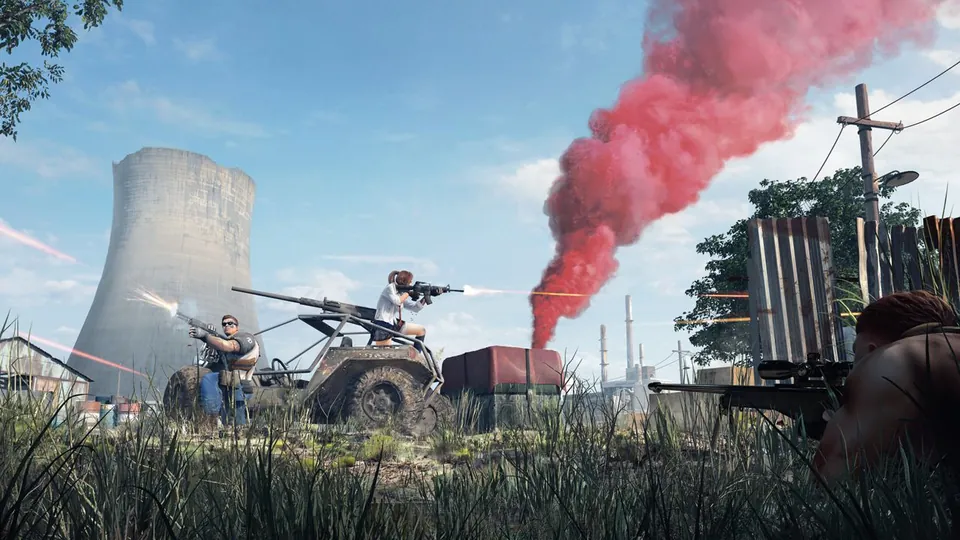
Survivors fire from an ATV by the power plant's cooling tower while a sniper waits in the grass under red smoke

Beta

Closed beta: how to join

Testers are approved in small waves to keep the server stable. Make a free account, ask once on your account page, and watch your account or the launcher for the answer.During the open test everyone can play: make a free account and download the game from your account page.
Patch

Server update: team play and revives

  • Solo, Duo, Squad and Fireteam each have their own queue.
  • Squads can revive knocked-down teammates.
  • Your squad stays together in the lobby after a match.

News

Welcome to ROS Infinity

Rules of Survival is back on a community server. Here is the story so far and what is in this build.

The game

Where it came from, and what this build includes.

The official Rules of Survival servers shut down in 2022. ROS Infinity, made by fans, runs the game again on a community server.

It is free, non-commercial and not affiliated with NetEase.

  1. 2017

    Rules of Survival launches.

  2. 2018

    One of the biggest battle royales of its time, on PC and mobile.

  3. 2022

    The official servers shut down.

  4. 2026

    ROS Infinity opens on a community server.

In this build

Map
Ghillie Island. Fearless Fiord is not open yet.
Modes
Solo, Duo, Squad and Fireteam. Each has its own queue.
Matches
Full matches. Bots fill the gaps while the community grows.
Server
South-East Asia. Tuned for low ping across the region.
Price
Free to play. No top-ups.
Logins
Checked by our servers. Play through the official launcher.

Modes

Four team sizes, each with its own queue.

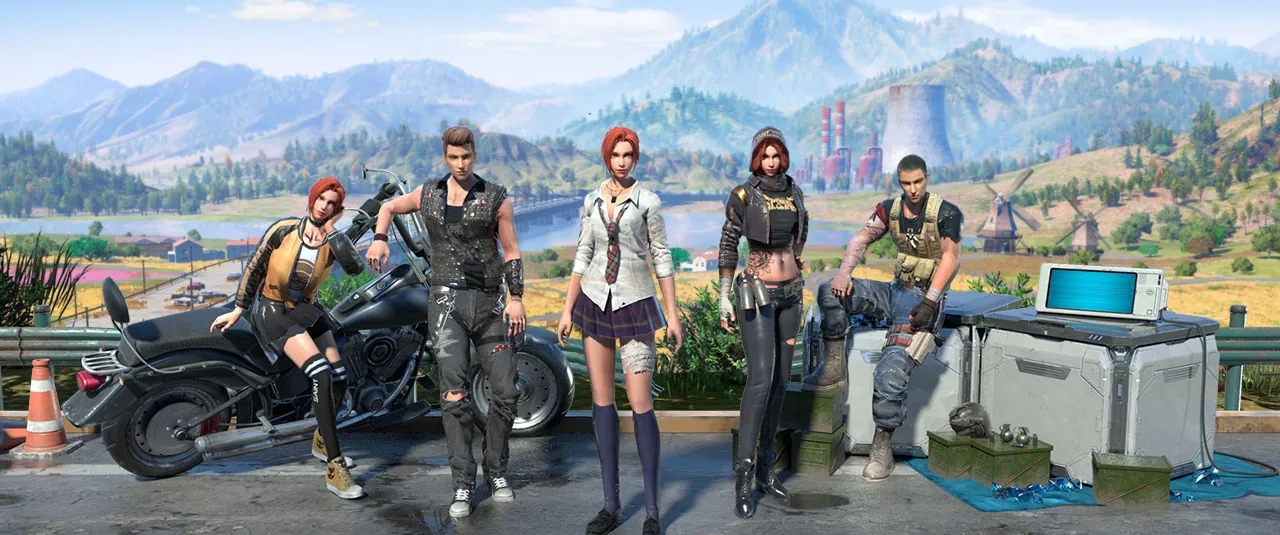
A fireteam of five survivors by a roadside with a motorbike and a supply crate, the power plant and the hills behind them
  • 1 player

    Solo

    Every survivor for themselves.

  • 2 players

    Duo

    Teams of two.

  • 4 players

    Squad

    Teams of four.

  • 5 players

    Fireteam

    Teams of five, the ROS classic.

    ROS classic

Maps

Ghillie Island is open now. Fearless Fiord is not open on our server yet.

Ghillie Island

Every match plays here right now. It is a compact map: fights start early and rotations are short.

Status
Open now
Per match
24 survivors
Teams
Solo to Fireteam
  • Hot drops
  • Close quarters
  • Quick rotations
  • Bots fill the gaps
Simulated match Ghillie Island · 24 per match Alive 24

Plane en route

Next safe zone Zone edge Flight path Survivor

Download

The game is one zip on your account page, about 6 GB, with the launcher inside.

How to install

  1. Download the game from your account page: one zip of about 6 GB, with the launcher inside.

  2. Right-click it → Extract All, wait for 100%, then start RosInfinity in the extracted RosInfinity folder.

  3. Sign in and press PLAY. Keep the launcher running while you play: its × only hides it to the tray.

Step-by-step install guide, with every fix

Get in the closed beta firstMake a free account first

The download appears on your account page once the team approves your access.The download is on your account page.

Join the closed beta

System requirements

ComponentMinimumRecommended
OSWindows 10 64-bitWindows 10/11 64-bit
CPUIntel Core i3-4160Intel Core i5-6500
Memory4 GB RAM8 GB RAM
GraphicsIntel HD Graphics 4600NVIDIA GeForce GTX 960
DirectXVersion 9.0cVersion 9.0c
Storage12 GB available12 GB available (SSD)

Server

SEA Malaysia

One server for now, in South-East Asia. Every survivor plays on it.

FAQ

The closed beta, the launcher, internet cafés and the rest of what players ask most.

Ask on Discord
How do I get into the closed beta?

Make a free account, press Request access on your account page, and watch your account or the launcher for the answer.During the open test there’s nothing to ask for: make a free account and download the game from your account page.

What exactly do I download?

One file: the game package on your account page, a zip of about 6 GB. It holds the game and the launcher together; there is no separate launcher download. Extract all of it and start RosInfinity from the extracted folder. The install guide shows every step.

The launcher says “Game files not found” or keeps updating.

The game folder is incomplete: the launcher was started from inside the zip, before the extraction finished, or without the game next to it. Quit the launcher, extract the whole zip again, wait for 100% and start RosInfinity from the extracted folder. Your account and progress stay on our server. Every fix, step by step.

How are testers picked?

By hand, in small waves, so the server stays stable. Requests stay on the list; there’s no need to ask twice.

Why must the launcher stay open?

The launcher keeps your game session linked to your account. Closing its window only hides it to the tray. Play through the official launcher.

Can I play at an internet café?

Yes, if the PC keeps the game folder after a restart (ask the staff for the game drive). Your account and progress live on our servers. Leave “Keep me signed in” off on shared PCs.

Will my progress be kept?

It may be reset before launch; we’ll announce it first.

Is it free?

Yes. There are no payments and no top-ups.

Which PCs work?

Windows 10 or 11, 64-bit. See the system requirements.

Windows SmartScreen or my antivirus warns about RosInfinity.exe.

The launcher isn’t code-signed yet. Choose More info → Run anyway. Download only from your account page and compare the SHA-256 shown there.

Is this official?

No. ROS Infinity is fan-made, non-commercial and not affiliated with NetEase.

How do I report a cheater or a bug?

Use the report button in the match: reports go straight to the team.

News and patch notes are posted here and in the launcher. Stuck installing? See the install guide.